
If you have multiple user records that belong to the same individual, it's easy to merge those records and set up a single primary record. This is helpful for instances where there might be a typo in the email address or just a matter of cleaning up duplicate records.
How to Merge User Records
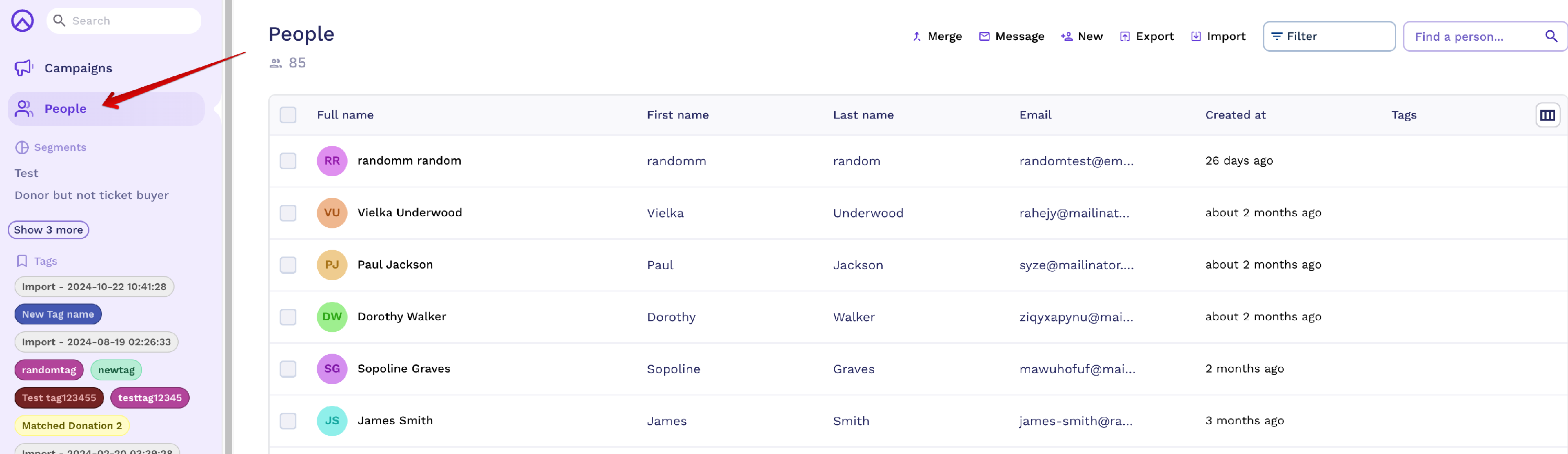
To get started, you'll want to navigate to the People tab in your Organisation Dashboard.
- At the top of the page, select Merge
- A popup will appear, where you can select up to three user records. Within the search field, you can type in the name or the email address of the users you are hoping to merge. Once happy, click Next
- In this next step, you'll be able to select the Primary Record. The primary record will be updated with any donations, recurring giving subscriptions, and order histories from the secondary records you are merging. Click Next to continue
- If there is any conflicting data, you'll have the opportunity to determine which record to take precedence. Once selected, click Continue
- You'll be brought to a summary page that highlights the changes you are about to make
- Click Yes, Merge to finalise the changes. The secondary user records will be deleted
Admin Users cannot be merged as this will affect your ability to login.
How to Update User Records
When a supporter signs up to a campaign, Raisely creates a People record using their name, email address and password. To update a standard supporter record:
- Go to People from the organisation dashboard.
- Search for the person by name or email address.
- Open their record and select Edit.
- Update the available details, then save your changes.
If the email address is also an admin email
Do not use a Raisely admin email address as the login email for a fundraiser profile where possible. Admin users and campaign fundraisers use different login experiences.
If a fundraiser profile is currently associated with an admin email address:
- Do not merge the admin record.
- Do not create another profile.
- Use a separate, non-admin email address for the fundraiser login.
- Create or use the separate People record and assign the existing fundraising profile to it. Raisely Support can assist with this if you're unsure.
Changing the profile owner is different from changing the email address on a People record. Reassigning the profile owner changes access to the existing fundraising profile and does not replace the campaign team.
For more information, see Fundraiser login when the email address is also a Raisely admin email.
How to Create User Records
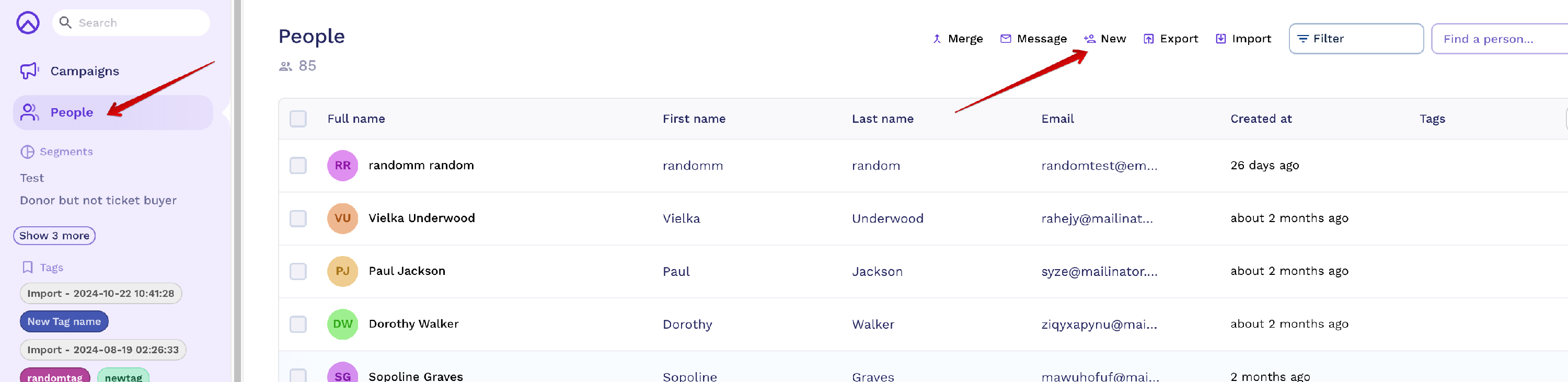
To manually create a new user record, navigate to the "People" tab and click on "New":
Cannot find the support guide you are after? Head on over to our YouTube channel 📺 for more creative content to help you go further. You can even leave us comments, suggesting new content ideas 🤯
Comments
0 comments
Please sign in to leave a comment.